A little bit of character
TL;DR: unicodekit.com is a website for copying characters that I built purely out of spite. Spite is a renewable energy source and I highly recommend it.
I use Raycast’s emoji picker pretty much every day. Big fan. But sometimes I need something that isn’t an emoji. An arrow, a chevron, a few box-drawing characters, a solid block pretending to be a terminal cursor. A surprising amount of designing software is finding creative ways to avoid designing something.
There are probably a hundred better ways to find these characters. I wouldn’t know. For years I went to the same little website, copied what I needed, and left. A perfect relationship. No account, no commitment, barely any eye contact.
Then the ads started moving in. First a banner, then a second banner to keep it company. Then a video that autoplayed on mute, which felt like a courtesy, and a cookie popup asking how I felt about my data and its 847 new partners. Before I knew it, getting to the arrow took three full scrolls. A lot of commute for a single character.
I kept going back, obviously. I knew where everything was. At some point I realized I was visiting an ad network with a Unicode side hustle. I looked for alternatives, but they all seemed to have the same landlord.
There was no breaking point. I just slowly became aware that I was dreading a website whose entire job was to let me copy a triangle.
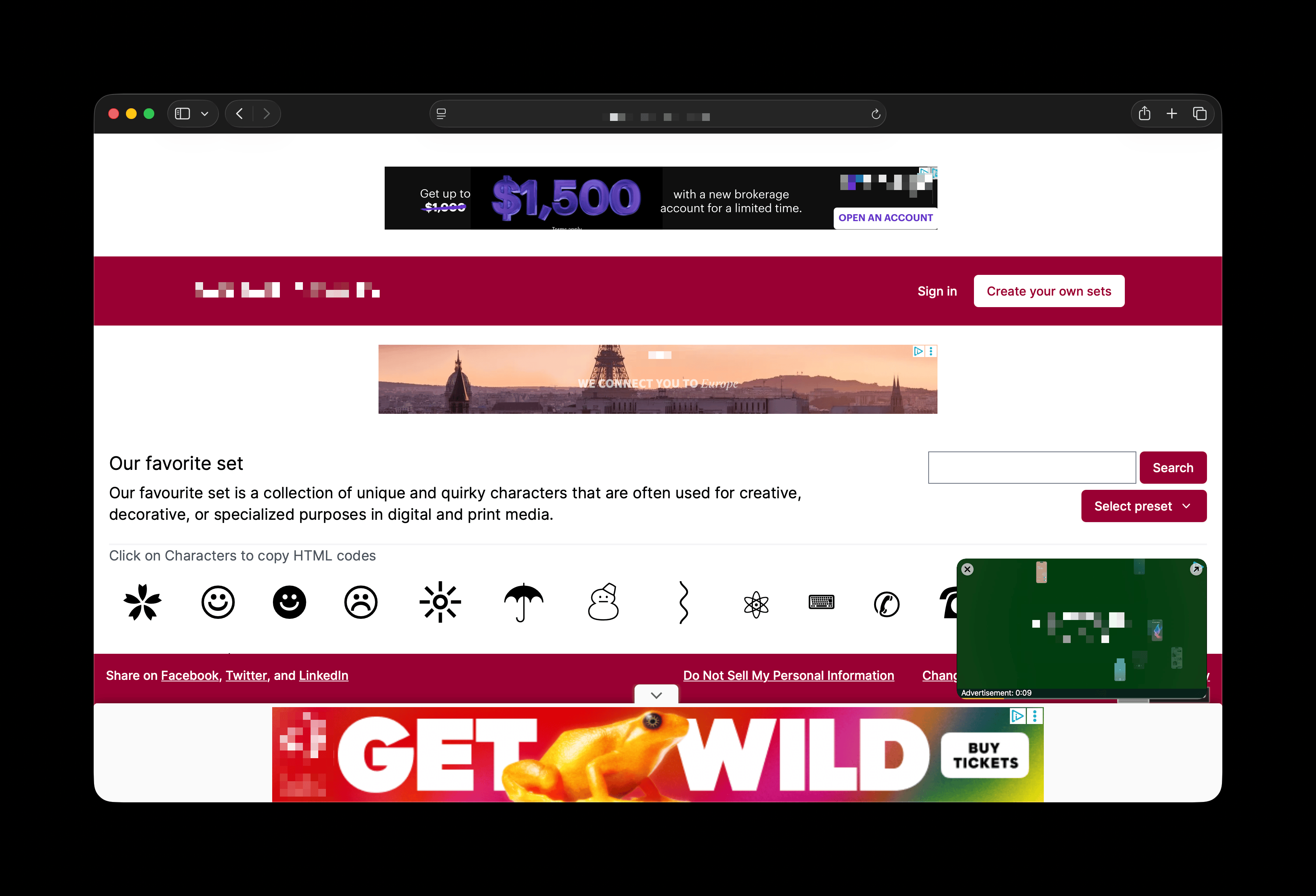
The ✌️✌️obvious solution✌️✌️ was to never visit that site again and build my own. In my head it was two problems: build a database of characters, then find a nice way to move around it. I planned it with the confidence of every side project ever. The database was clearly the monster: every assigned character in Unicode, roughly 160,000 of them, with names and codepoints and all the boring bits. The interface was some boxes on a page. Done by dinner.
The database took a few hours. The interface, though... I’m told dinner was lovely.
I wanted each character to show enough to be useful, and I wanted getting around to be a little fun. A grid was the sensible answer; I’ll probably end up making one anyway. But a grid felt like a spreadsheet with better posture, which is a rich complaint from a guy who built a whole website so he could copy an arrow and leave.
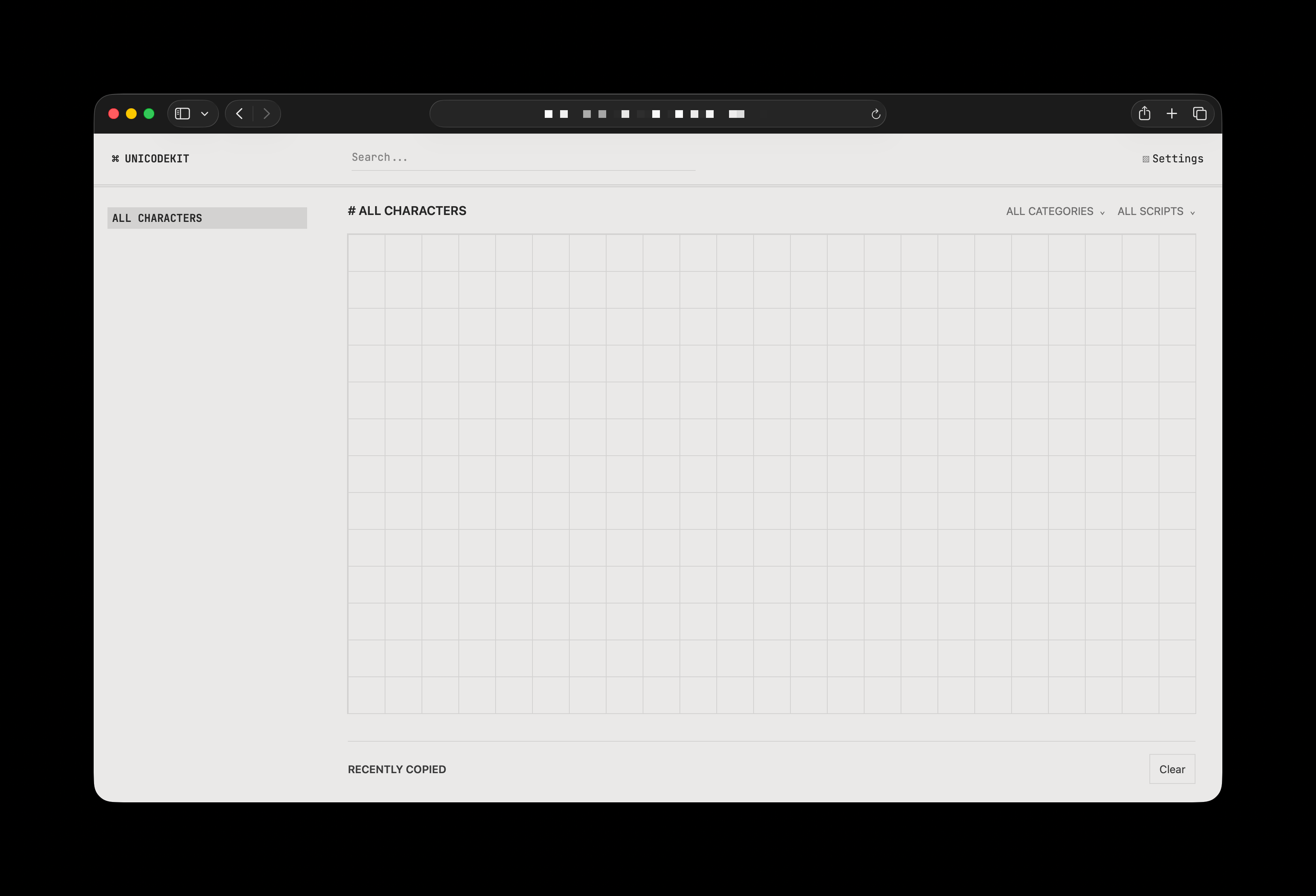
What I actually wanted was a terminal. Software from the ’80s, the AI agents everyone runs in a terminal now, and the control console of an IMAX projector have a lot more in common than you’d think. They all look like the calm part of a hacker movie.
Terminal UIs have had a bit of a comeback. People keep making gorgeous interfaces with almost zero raw material: a grid of characters, sixteen colors and a keyboard to get around. It’s the capsule wardrobe of software. Everything is beautifully constrained, you always know what the next key does, and nothing is trying to delight you.
So I followed the masters, respectfully. The whole site is two columns (one on your phone). Blocks on the left, characters on the right. When it loads, it draws itself in one line at a time, like an old monitor doing its best. There’s also a shader that adds scanlines and a little glow, because if I’m doing nostalgia, I’m committing.
You get around with the arrow keys. Find what you want, hit enter, and it’s on your clipboard. Every character also has its own page, so if you only ever need →, you can bookmark it and never see my homepage again. I’d consider that a five-star review.
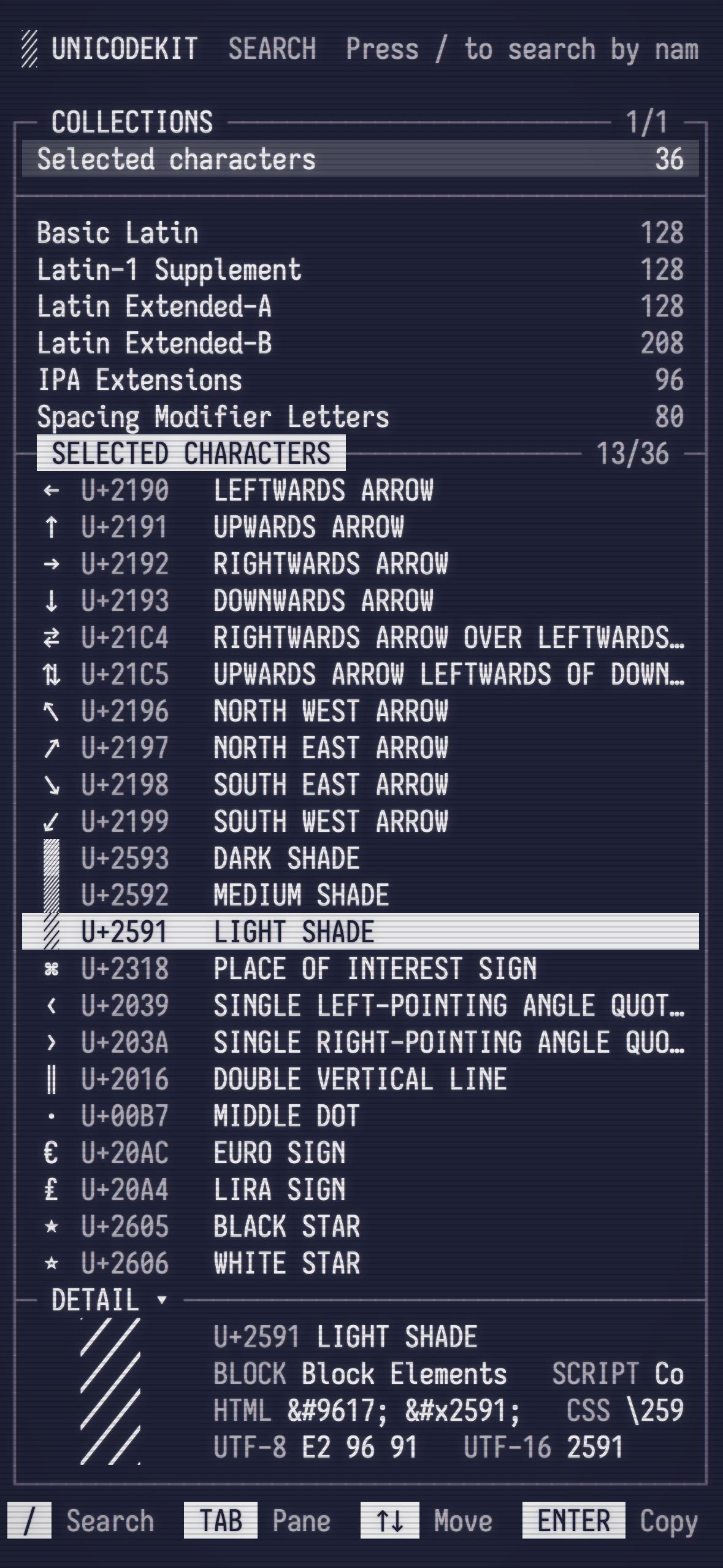
For a website with a projected audience of one, it was a runaway success. Search was terrible, though. You could hide a body in there and nobody would ever find it, including me.
The problem is that Unicode names things like it’s reading them a warrant. Nobody searches for BLACK RIGHT-POINTING TRIANGLE. You want a play button. You want ▶.
A friend reminded me of this recent post from Max Leiter about doing emoji search with embeddings instead of throwing a whole language model at it. So every character got a plain-English description of what it’s actually for, and now search understands vibes.
I got a little carried away. Type “triforce” and you get ▲. Type 箭头, Chinese for “arrow,” and you get →. Type “dunder mifflin” and you get 👔🏢.
Anyway, the old site is still out there. I checked on it last week, the way you look up an ex, and it has a fourth banner now. I hope they’re very happy together.
If you need a triangle, come by! unicodekit.com will give it to you with no ads, no account and barely any eye contact. Dinner’s on me.