Stray characters

Stray characters

I have tried to merge all my photo collections in a single place for months. Photo storage services make data export incredibly frustrating. Some services send you images and metadata in different files, and it is up to you to merge that information.

Flickr is one of those services. Their data export was waiting in my Downloads folder for weeks, and today I decided it was time to cross this task from the list. After a bit of JavaScript and some ExifTool magic, I got over 1200 pictures ready for review.

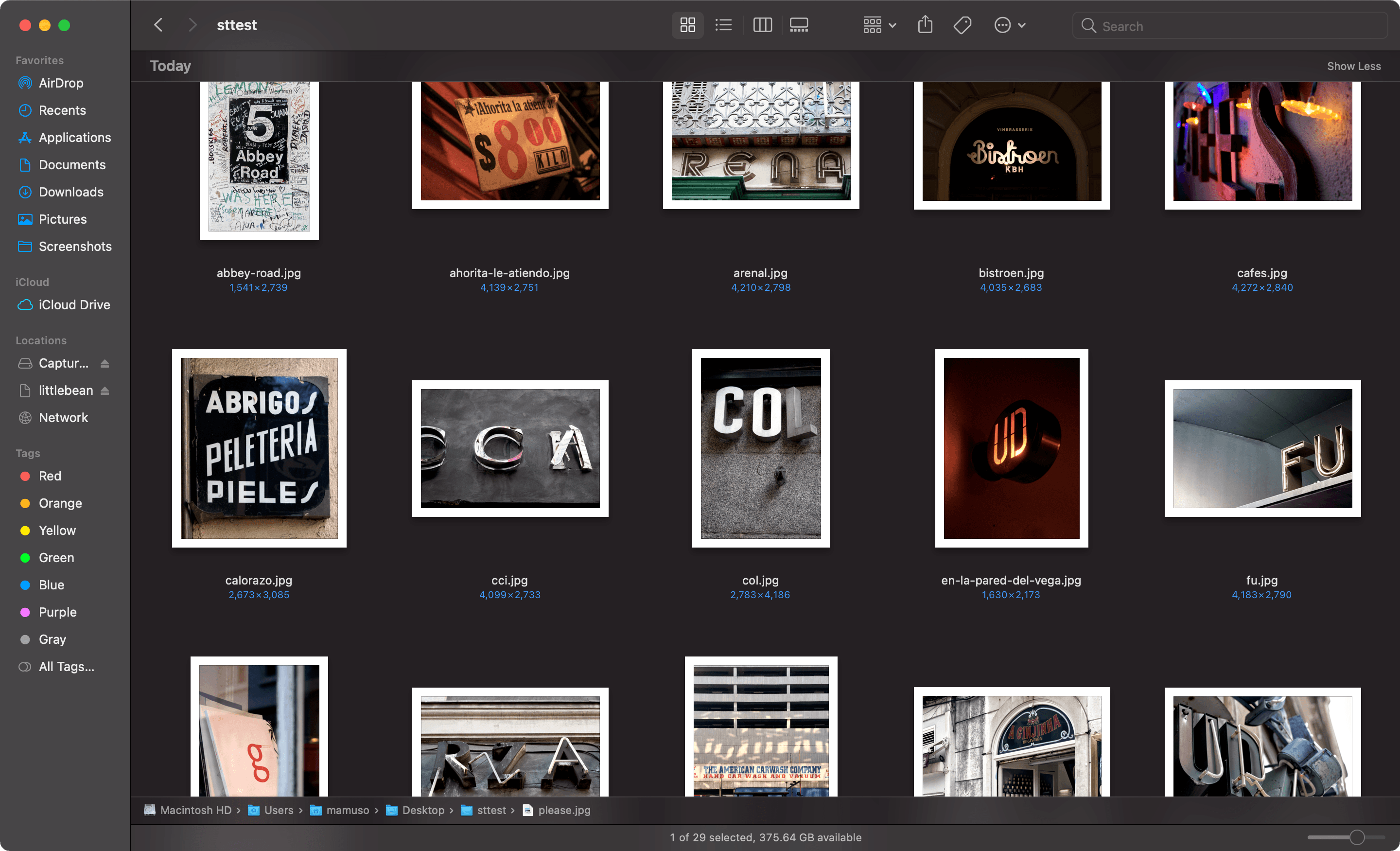
I rediscovered that, between 2005 to 2014, I took a good amount of pictures of urban typography.

I know how it started. Back in 2003, I got a copy of America Sánchez’s Barcelona Gráfica. The book clusters lettering, typography, and signals that represent the character of the city. I liked the idea of treating the urban environment as a graphic canvas.

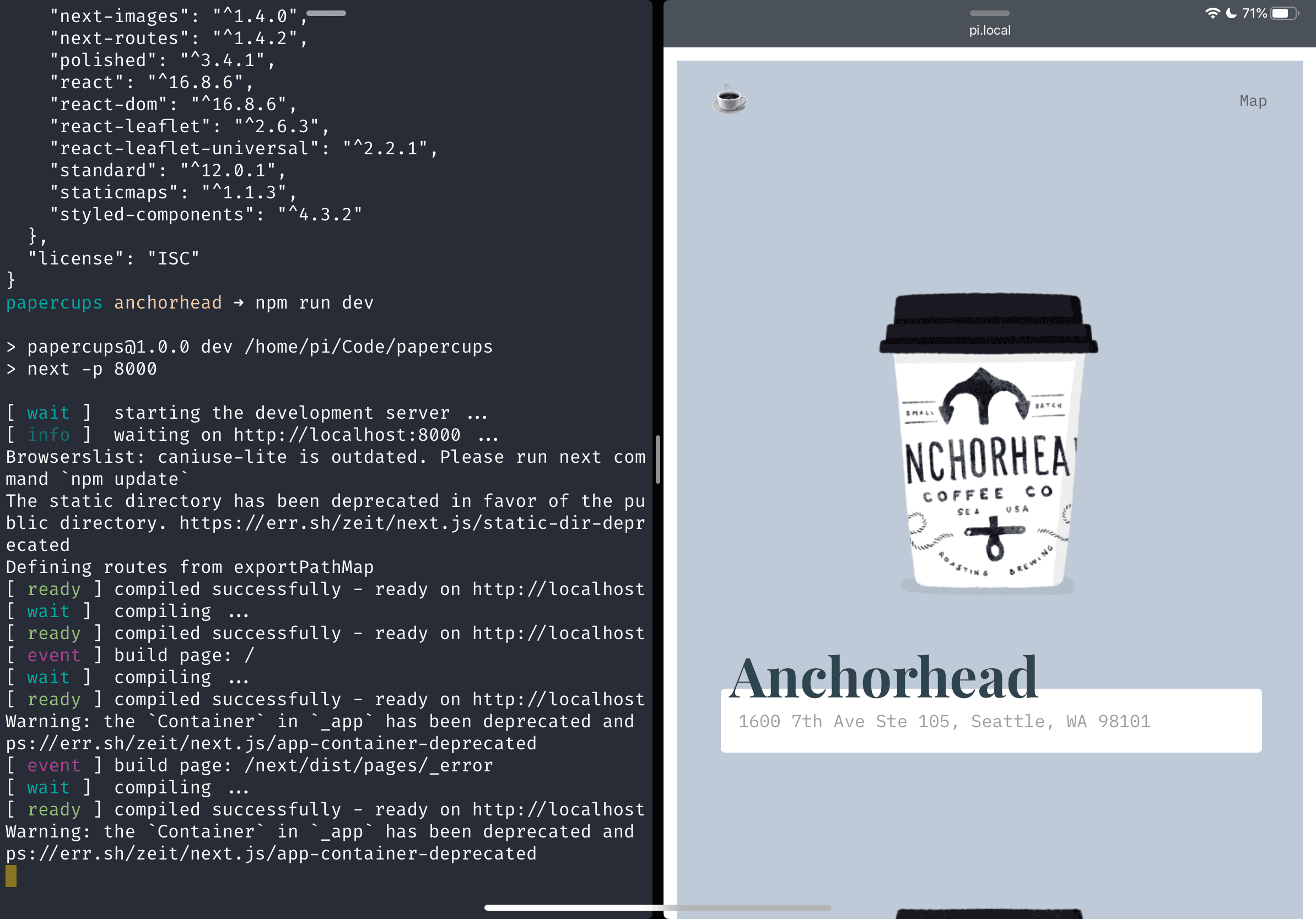
I don’t know why I stopped, though. I enjoyed the letter hunting and still enjoy those pictures, so I created a silly site.
Light/Dark mode, the CSS-variable way

Light/Dark mode, the CSS-variable way

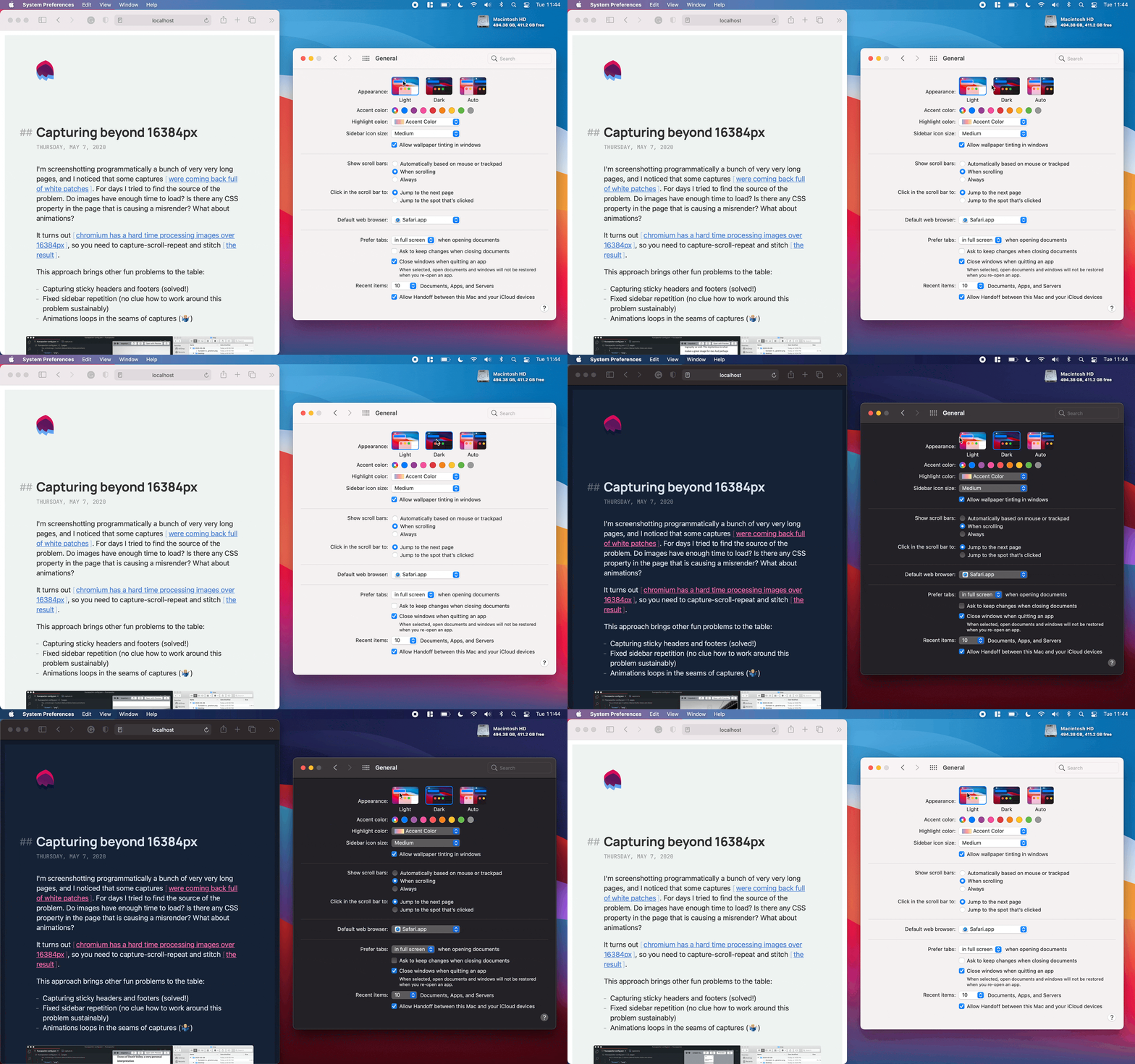
Choosing colors is hard. Adapting the color mode of your website to your users' preferences is (it should) not.

For this deceivingly short recipe, you will need a couple of ingredients: CSS variables and the media feature prefers-color-scheme.

  1. You can define your color variables and their values for light (default) and dark modes in your CSS file:
:root {
  --text: #333333;
}

@media (prefers-color-scheme: dark) {
  :root {
    --text: #ffffff;
  }
}
  1. Then you can use those variables in your CSS declarations:
element {
  color: var(--text);
}
  1. And that's it! Your website will react to the user's color theme preference.

You can play with a simple but functional example in this Codepen; fidget with your OS appearance preferences to see colors change. This foundation also works like a charm in more complex scenarios:


Capturing beyond 16384px

Capturing beyond 16384px

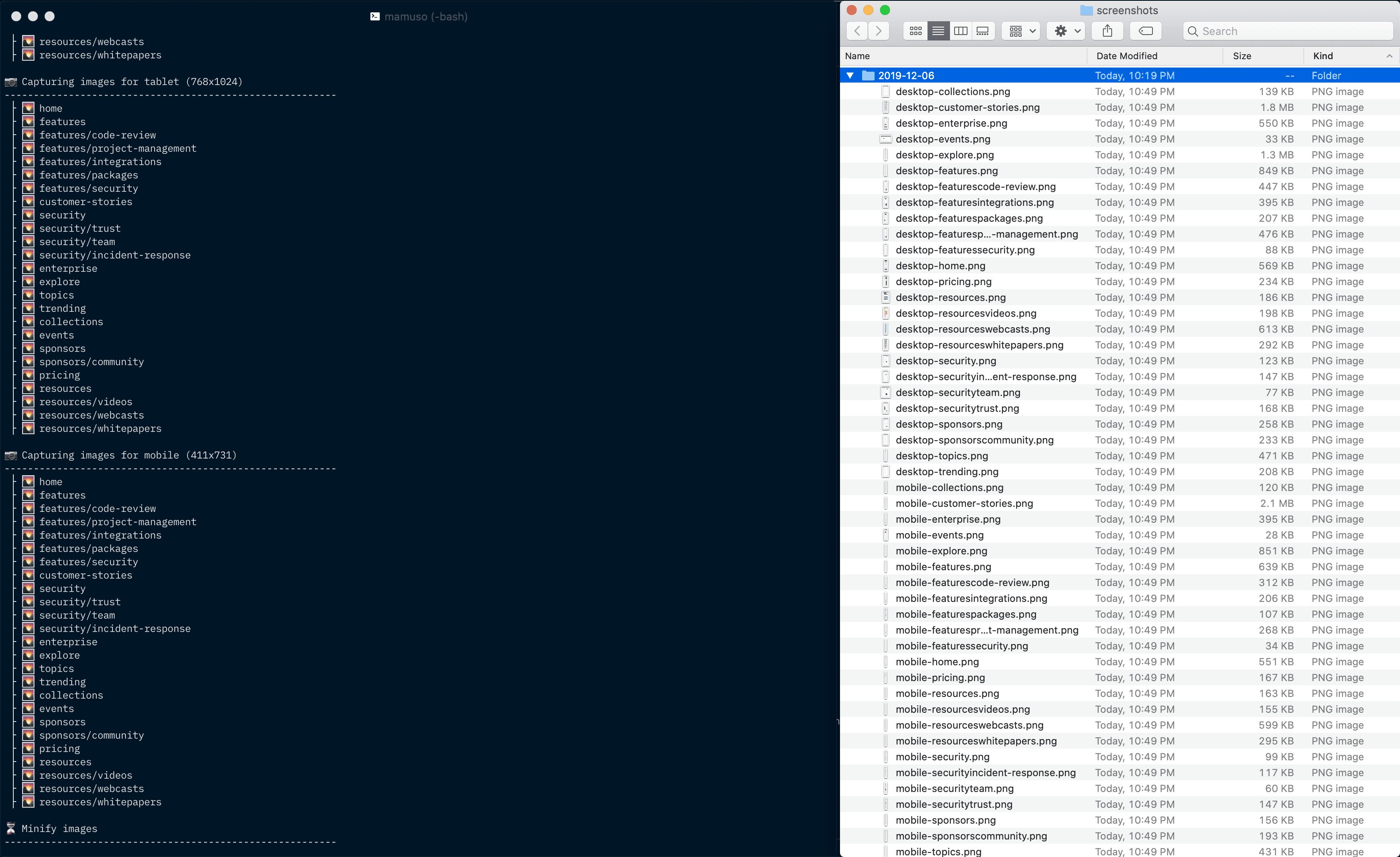
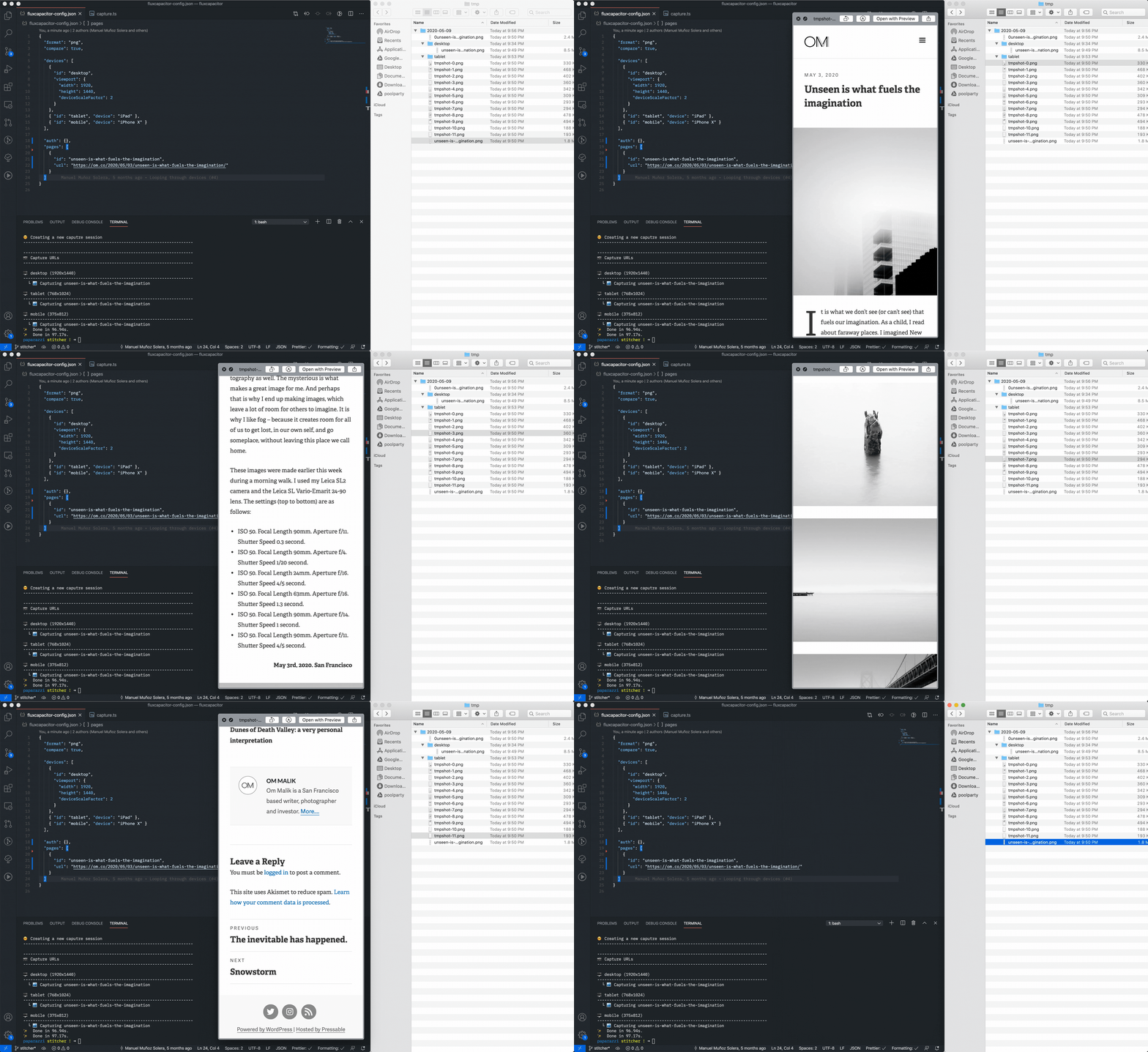
I'm screenshotting programmatically a bunch of very very long pages, and I noticed that some captures were coming back full of white patches. For days I tried to find the source of the problem. Do images have enough time to load? Is there any CSS property in the page that is causing a misrender? What about animations?

It turns out chromium has a hard time processing images over 16384px, so you need to capture-scroll-repeat and stitch the result.

This approach brings other fun problems to the table:

  • Capturing sticky headers and footers (solved!)
  • Fixed sidebar repetition (no clue how to work around this problem sustainably)
  • Animations loops in the seams of captures (🤷🏼‍♂️)


Listing screenshots

Listing screenshots

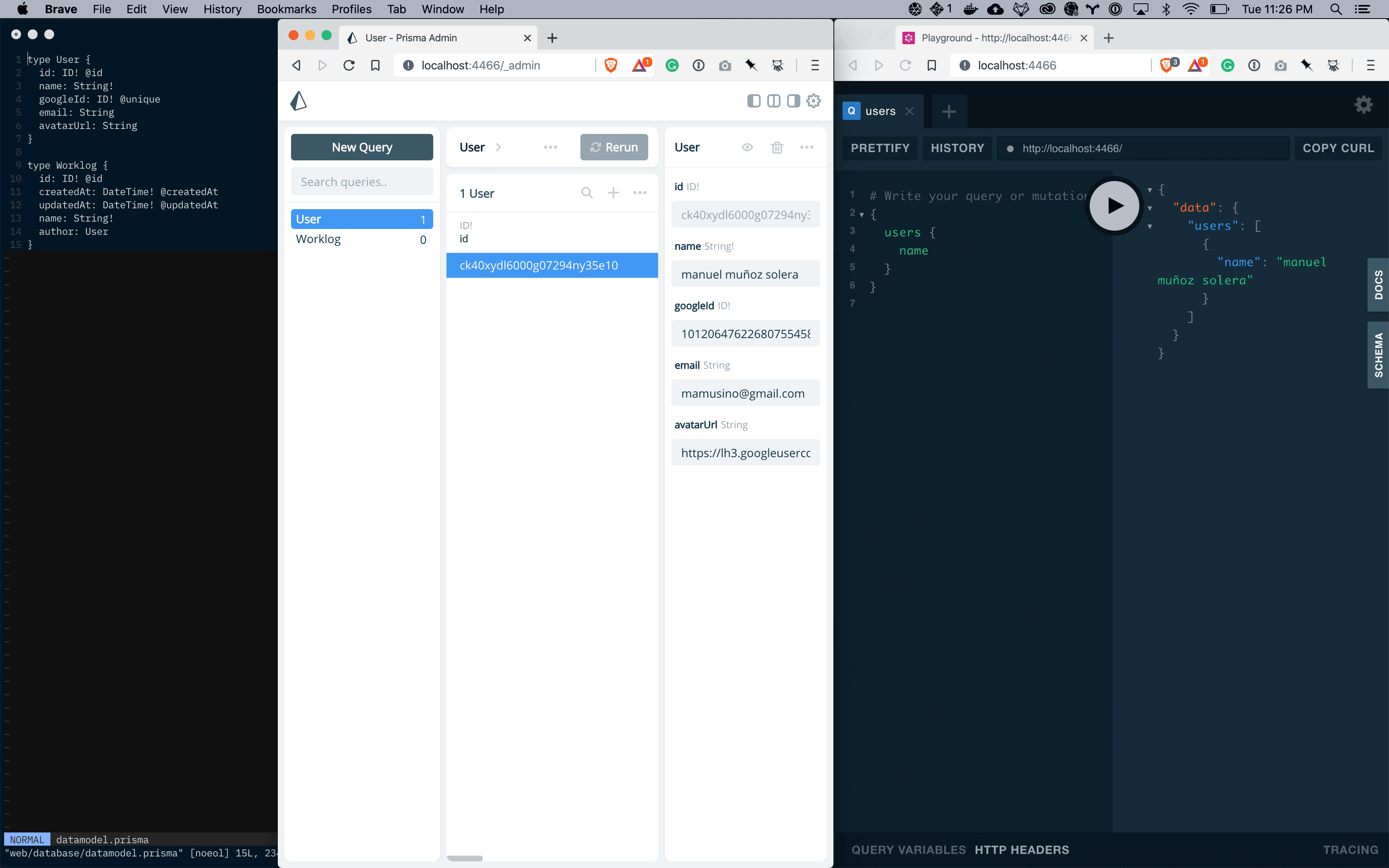
I started to work on the scaffold of the different pages that I'm going to need to present the screenshots. I'm using nextjs and prisma behind the scenes.


Drafting interfaces

Drafting interfaces

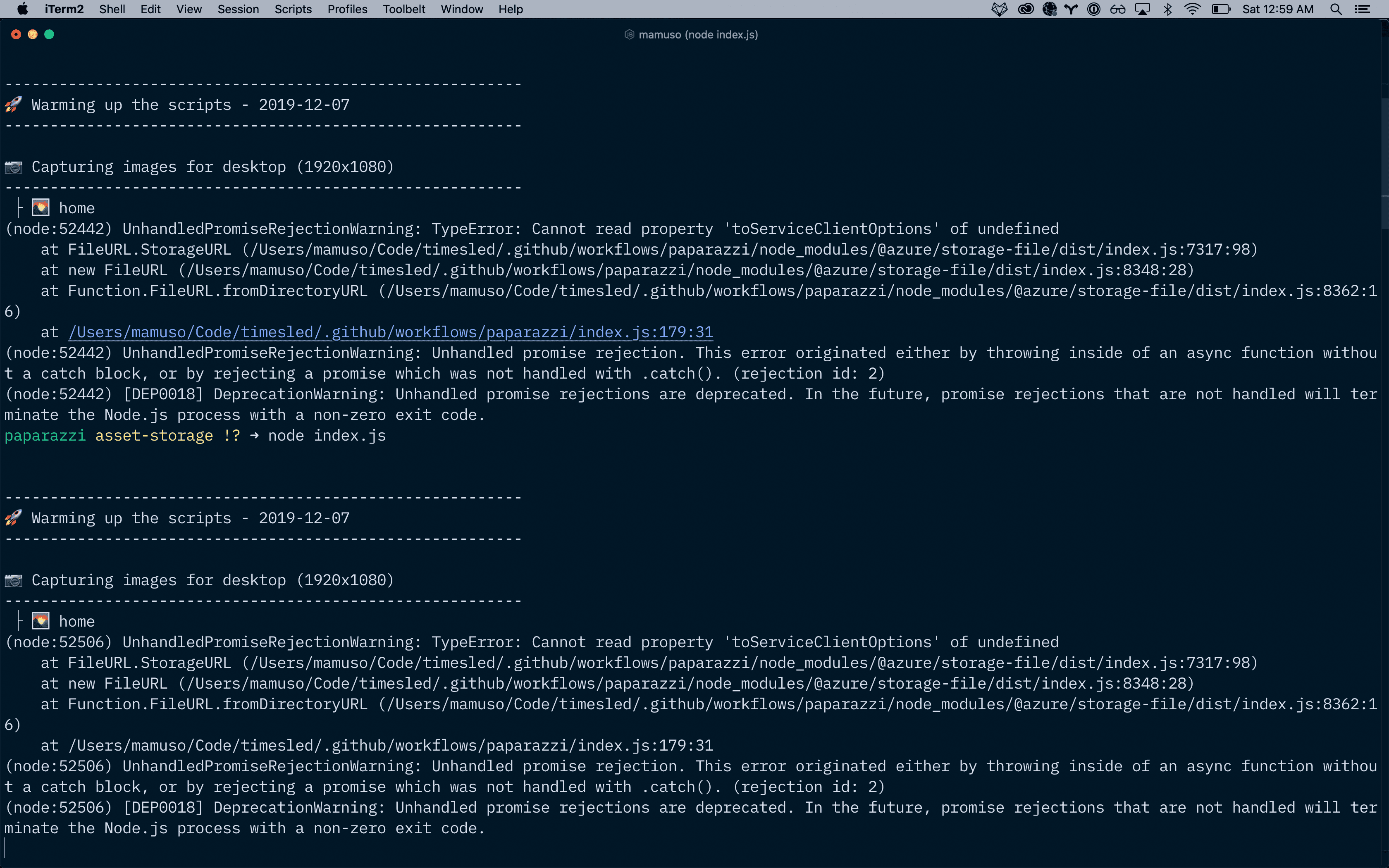
I spent most of the weekend working on breaking the paparazzi pipeline into pieces. It turns out that trying to run all the steps in a single process doesn't scale well, and the process stalls when we have many URLs in the config.

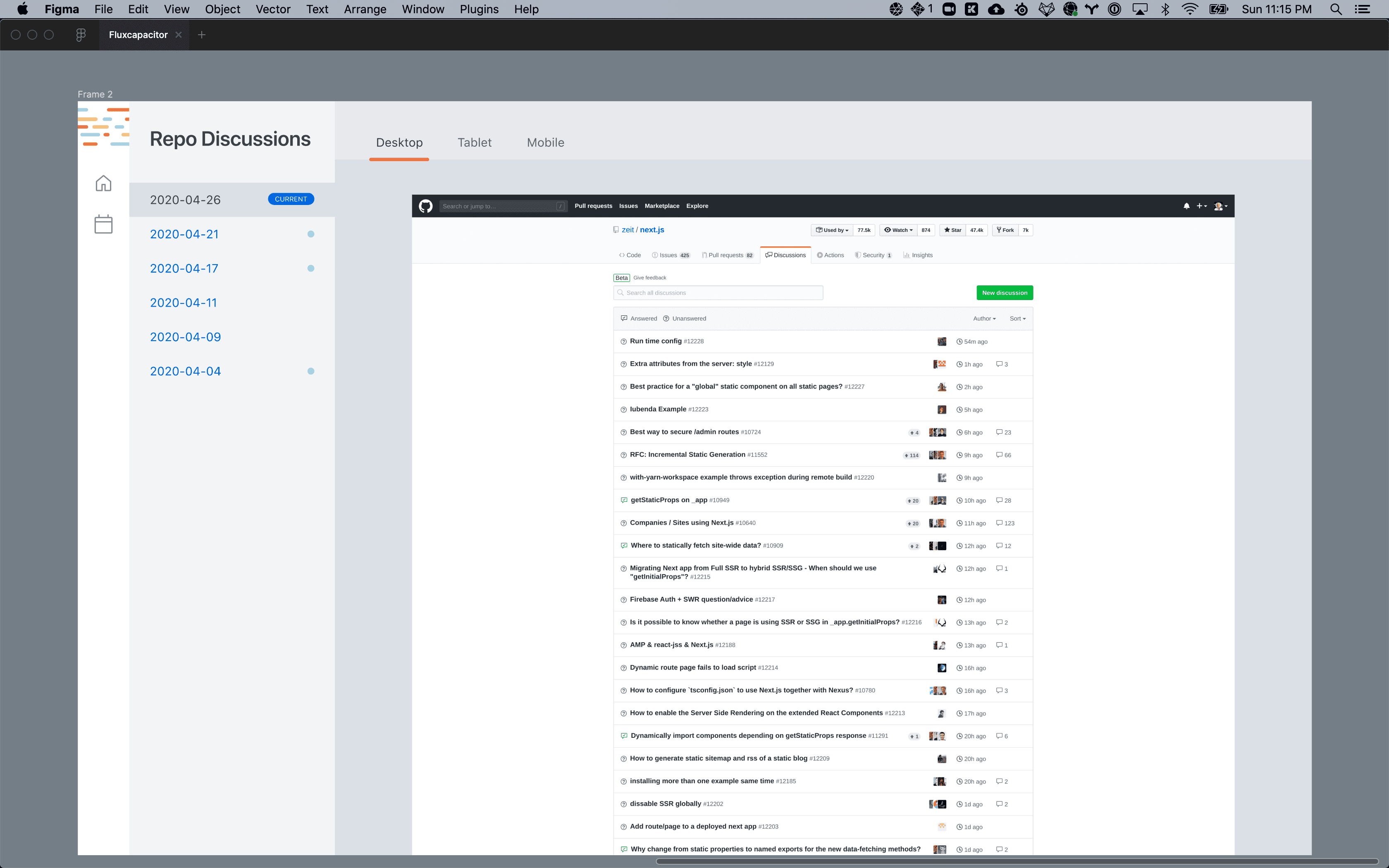
I drafted a first potential interface for consuming the screenshots. Not terribly happy about it, but we need to start somewhere.


Hi, fluxcapacitor!

Hi, fluxcapacitor!

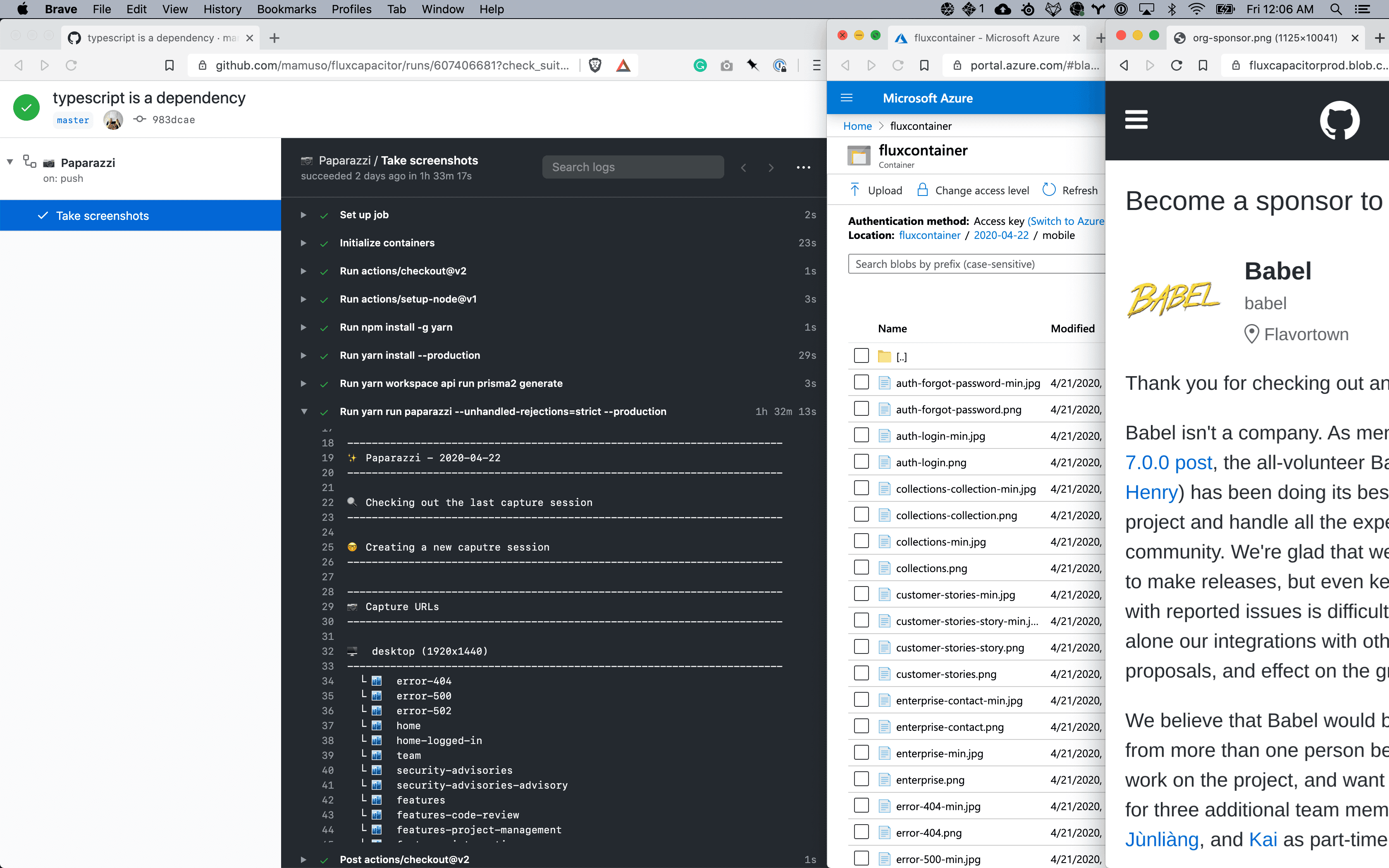
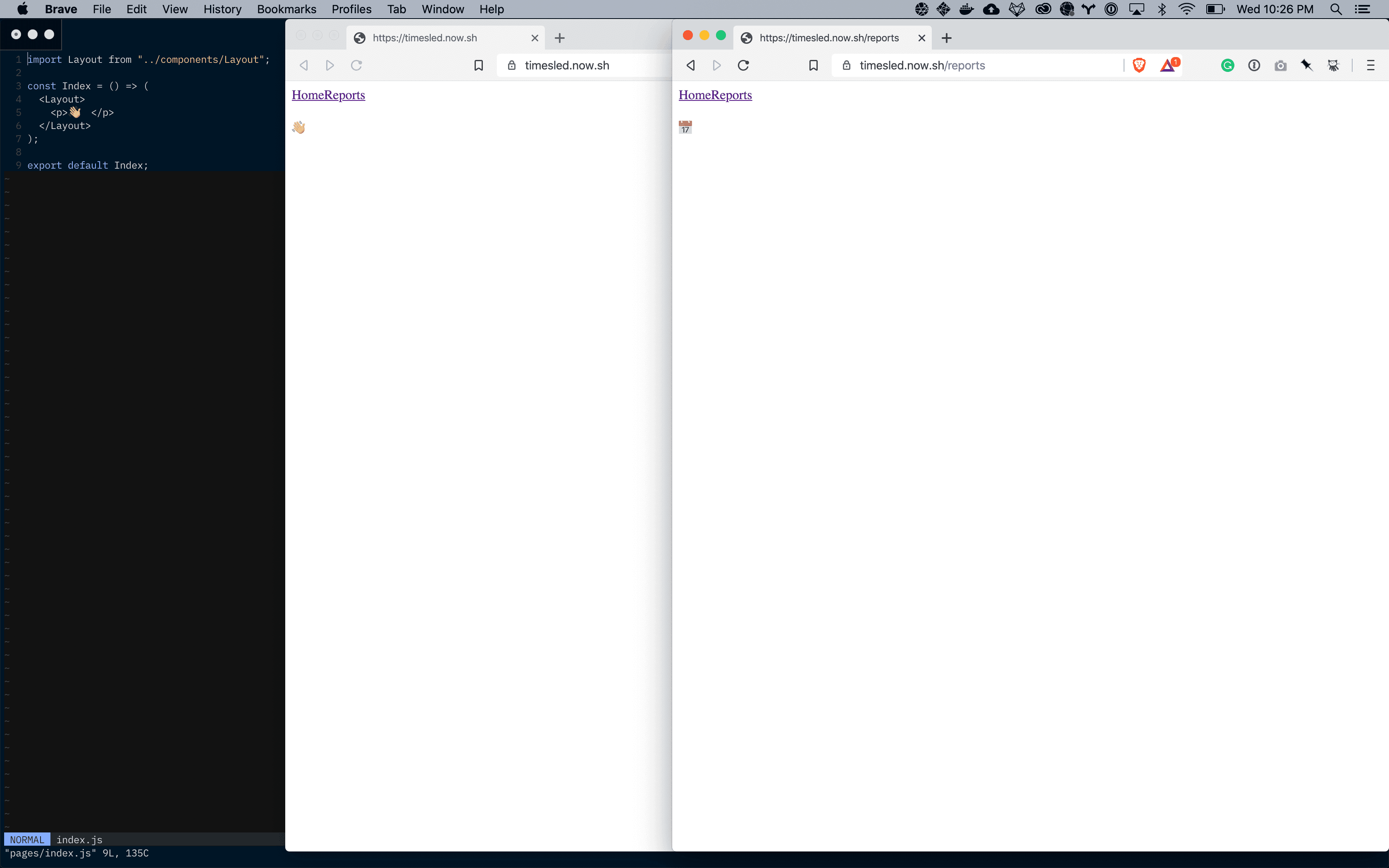
WELL, WELL! Fluxcapacitor (formerly Timesled, I'm the worst naming projects) runs like a charm over GitHub Actions, and I rewrote a big chunk of the code for sustainability:

  • It runs every three days
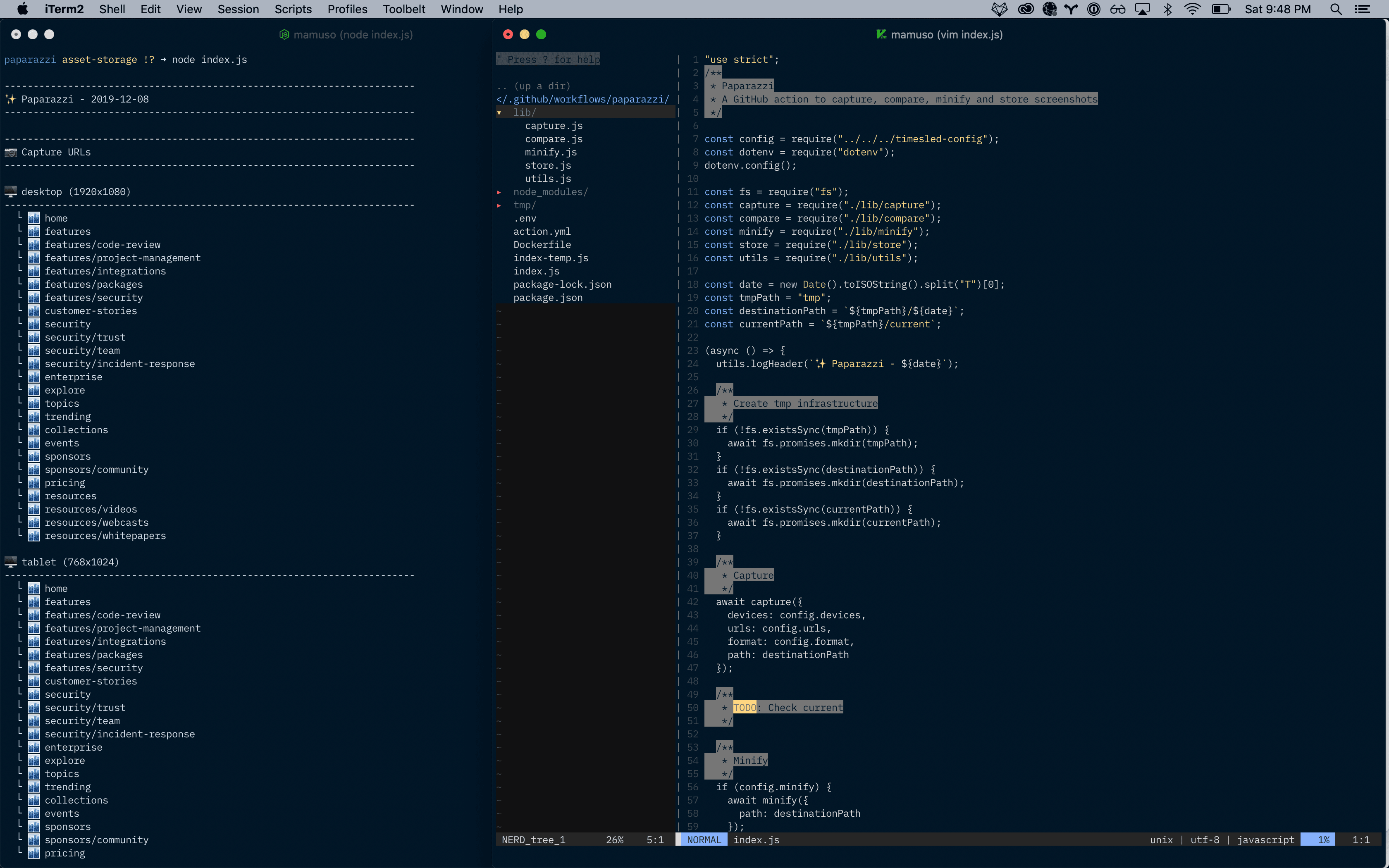
  • The firs stable run (capture, process, compare, store) had 104 endpoints and 3 devices
  • It took 1h 32m to finish
  • Next run will process over 140 endpoints

The infra is more sophisticated than a few months ago. The images and the tgzs of the captures are blobs in Azure, and Prisma2 handles the data layer.

I'm really happy with the progress so far :)


Timesled deploy is ready to go

Timesled deploy is ready to go

Today I don't feel like coding a lot, so I'm crossing one of the easy issues that I had on my list. I prepared a simple nextjs scaffold and deployed it to


Build your own work feed

Build your own work feed

Why would you want a side project if you can have two :trollface:.

I'm starting to work with Adrián on transforming the concept of this work feed into a real product. I'll be writing a lot more about it while we build it.

We want to have something ready to ship very fast, so we are using Max Stoiber and Brian Lovin's product boilerplate as our initial foundation. I'm thoroughly impressed by how fast we were able to go from nothing to start working on our data model.


Capture, compare, minify, store

Capture, compare, minify, store

Today was cleanup time. I broke a gigantic index.js into manageable pieces and tried to tidy some of the mess that I did while I was building the concept.

I made some progress with the storage, and I have a few ideas for abstracting different providers. I'd love to start capturing three times a week to have data for feeding the frontend of the project.


Stuck!

Stuck!

Got stuck in a potentially stupid thing, and wrote a bunch of spaghetti code that I'll need to throw away tomorrow.

On the bright side, I think that I understand a lot better how to deal with AzStorage. 🤷🏼‍♂️


Capture and minify

Capture and minify

The action now iterates over a few devices and a list of URLs. It is slow, but that was expected.

I'm worried about the size of each run, to the point where I'm considering implementing the storage layer straight away. I also implemented minification, but I wonder if it is going to mess with pixelmatch.


Diffs

Diffs

I played today with pixelmatch. I want to detect differences between screens from day to day.

One of the challenges of using pixelmatch is the difference in sizes when you are capturing full screen websites. If the images don't match in size, the script raises an error. I have been writing some code to overcome that problem.


Building a time machine

Building a time machine

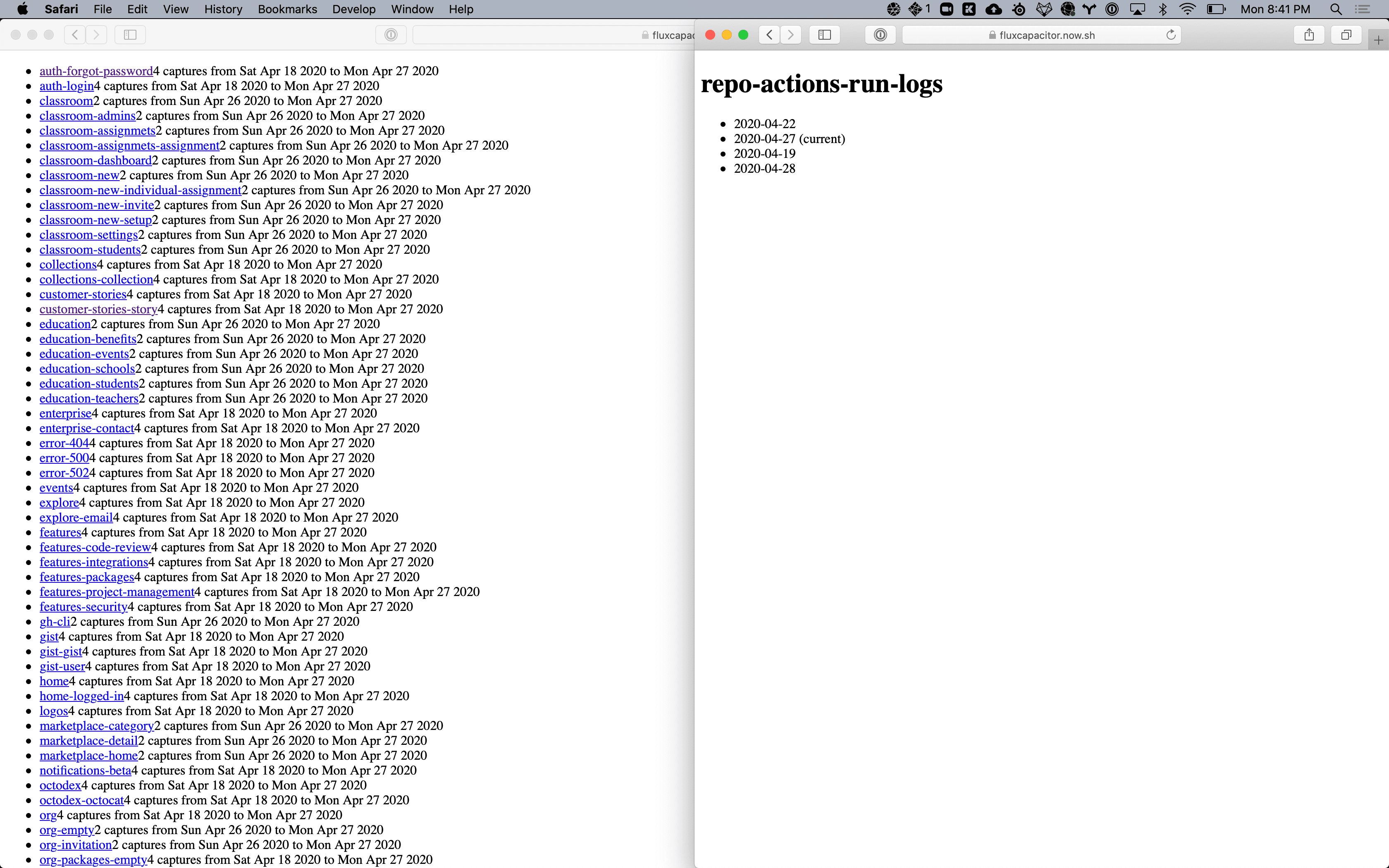
I'm starting a little project to automate the screenshoting of a bunch of endpoints. I want to be able to compare them and go back in time.

A long time ago, I imagined a simpler version of this project, and even registered uihop.com with the intention of builidng a decent service behind it. Years later, during my time at Yammer, Brendan McKeon impressed the whole company with the many uses of his "time machine". I was impressed and inspired by his work, and bummed because that piece of technology wasn't available for more designers.

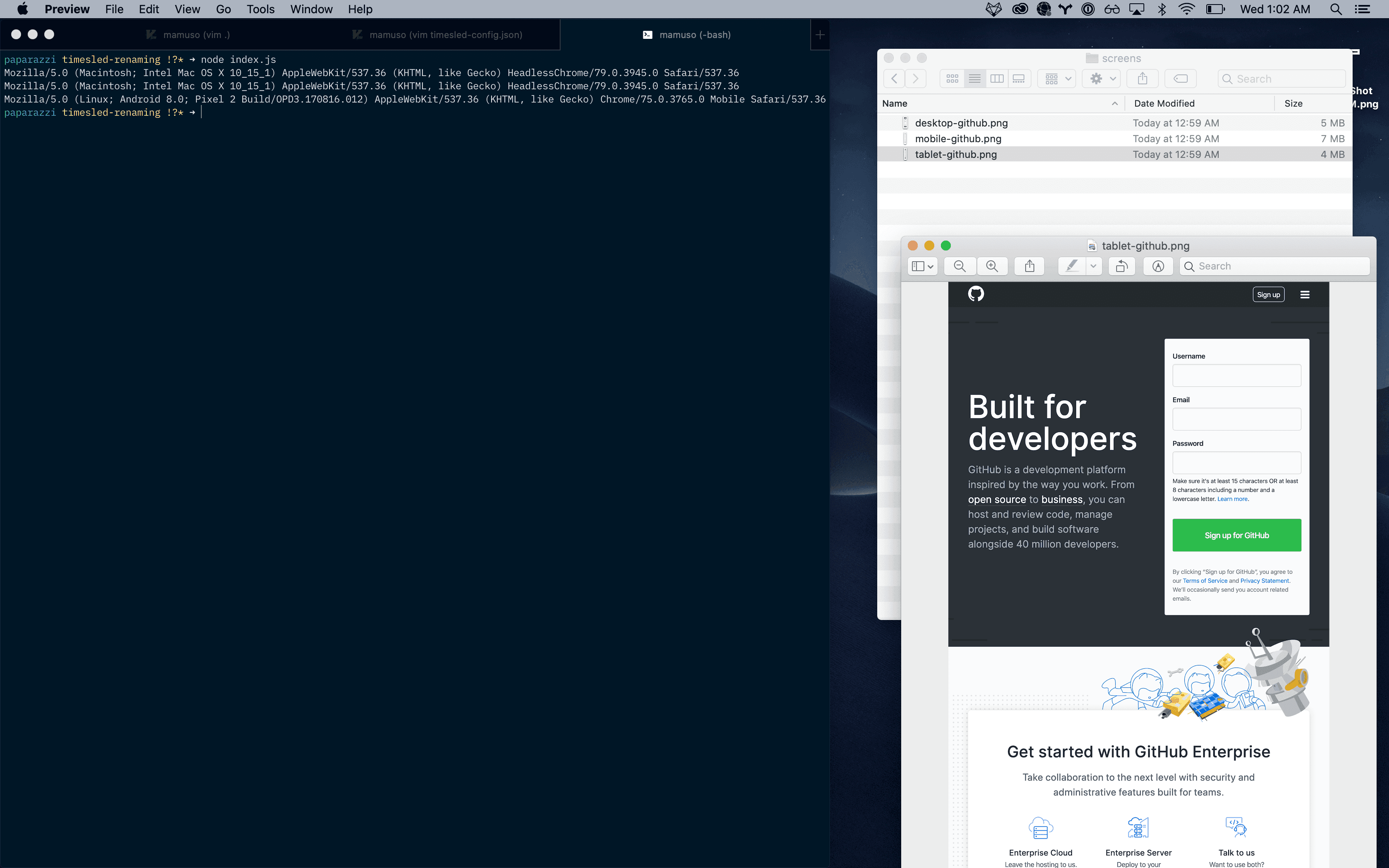
For now, I started the project creating a very simple action that launches puppeteer inside a docker container and parses a config file with resolutions and a list of URLs.


PR-it!

PR-it!

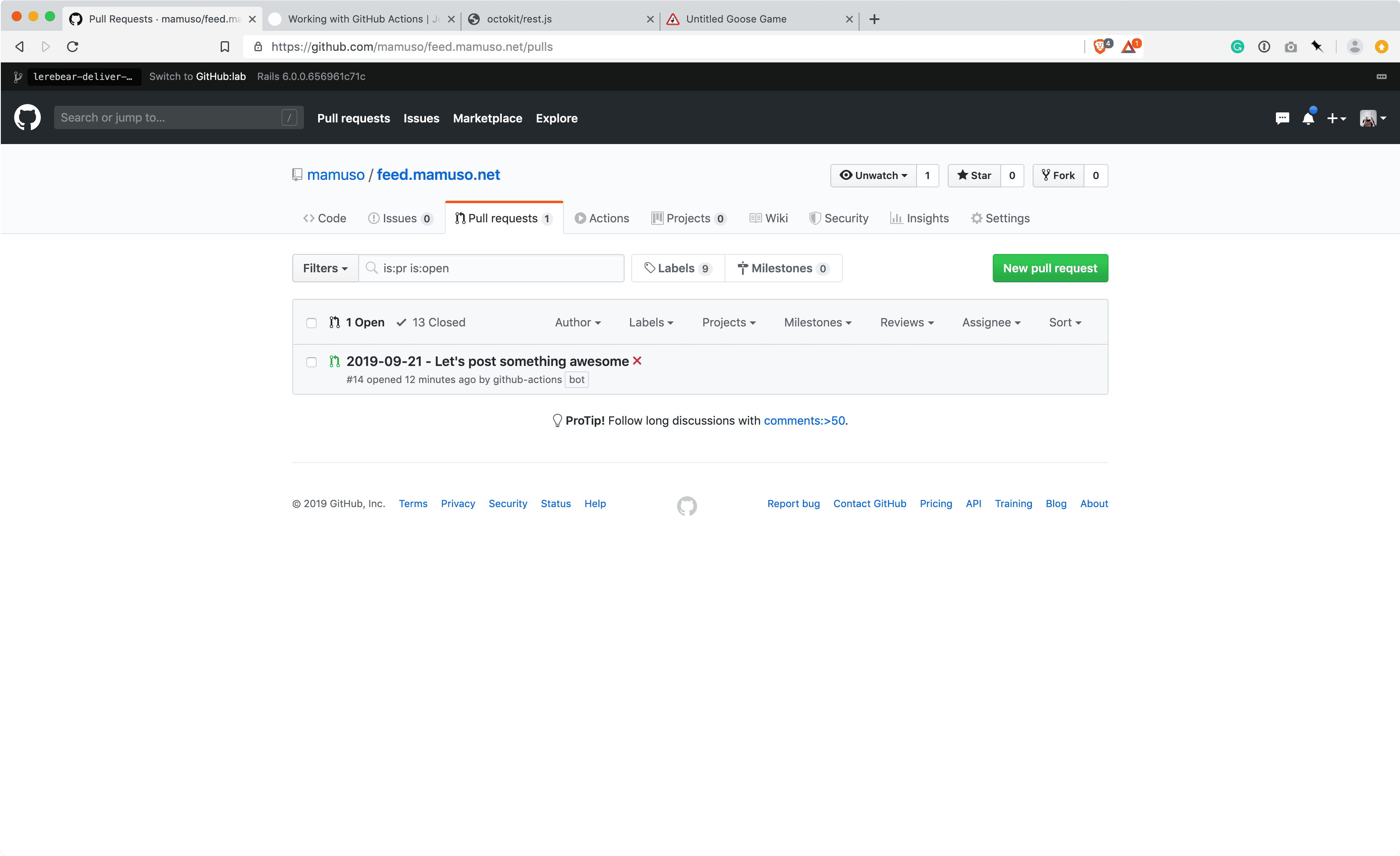
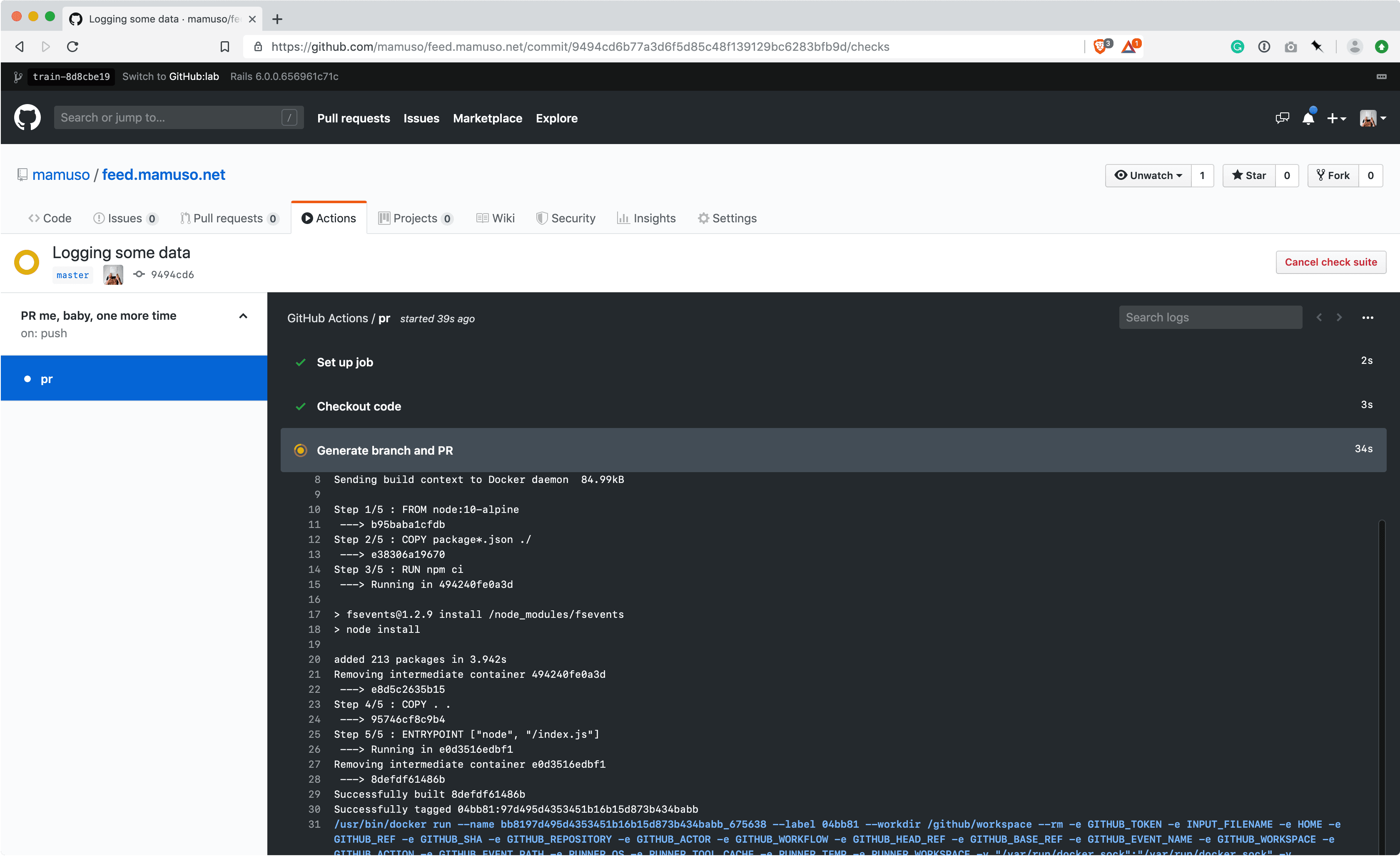
I finished the action that will send me a daily PR with the scaffold of a post. I learned a lot from dissecting Jason's code, and clarified some concepts reading this super thorough article from Jeff Rafter.


Automating the hell out of this

Automating the hell out of this

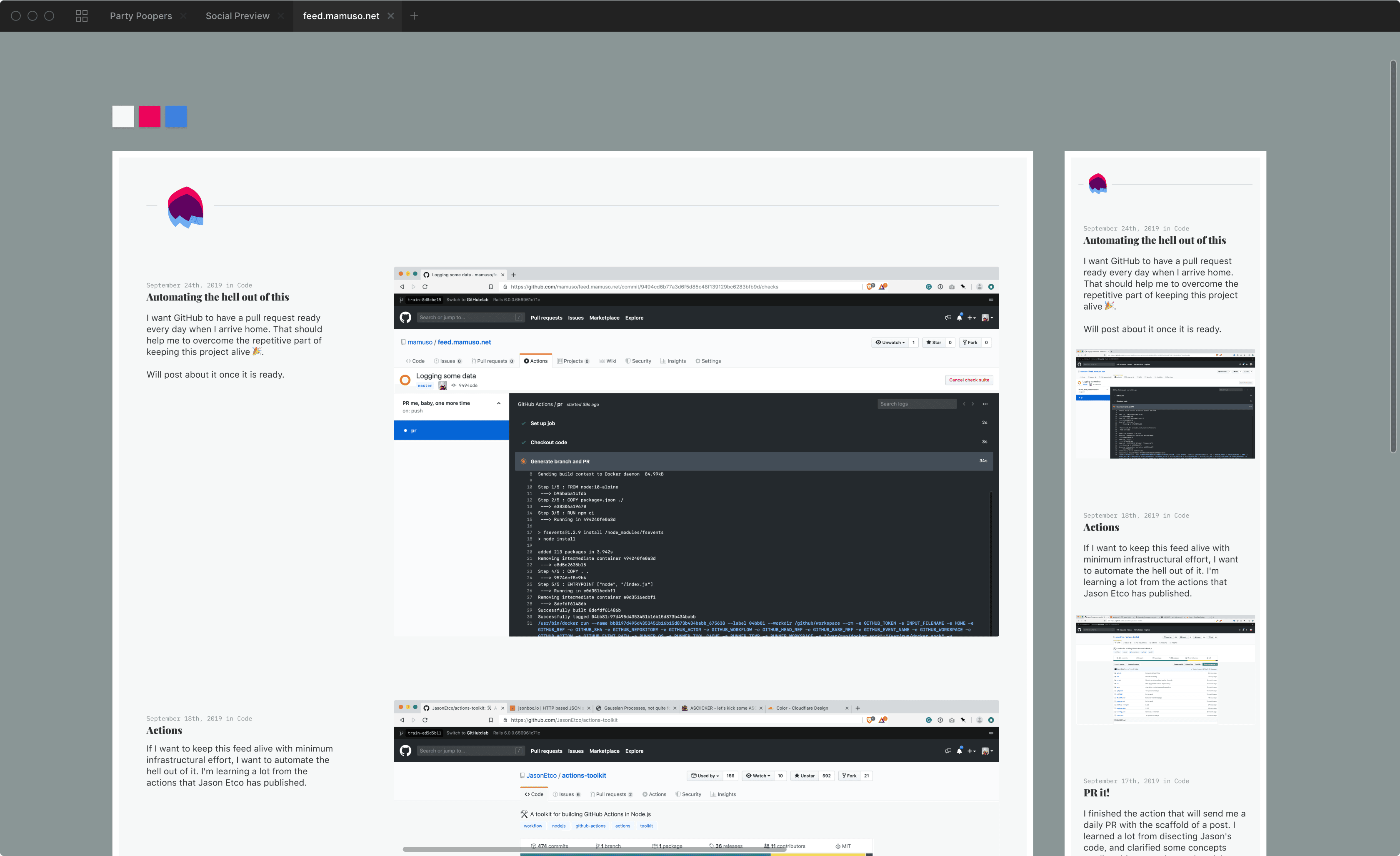
I want GitHub to have a pull request ready every day when I arrive home. That should help me to overcome the repetitive part of keeping this project alive 🎉.

Will post about it once it is ready.


← PreviousNext →